
Do not forget to add a favicon to your website
Website Tip #5: Do not forget to add a favicon to your website. I say forget because it seems people usually forget to add the poor little favicon to their website and in doing so they miss out on an opportunity to increase brand recognition and verify the legitimacy of a website. I created this web tip because I am so surprised at the sheer number of websites that I see that forget this little impactful addition. No more, after you read this tip I hope it inspires you to add the favicon to your website.
What the heck is a favicon?
A favicon is a symbol or icon that usually contains the logo of a website and appears in common places such as Google Search or directly within a web browser. For example, when a user queries something on Google the displayed results show a small icon next to the URL of the website. Figure 1 shows a hand pointing to the icons that I highlighted with yellow circles. Google sources the favicons from a website and displays them in their search results adjacent to the URL of a website.
 Figure 1: Google search results with favicon images.
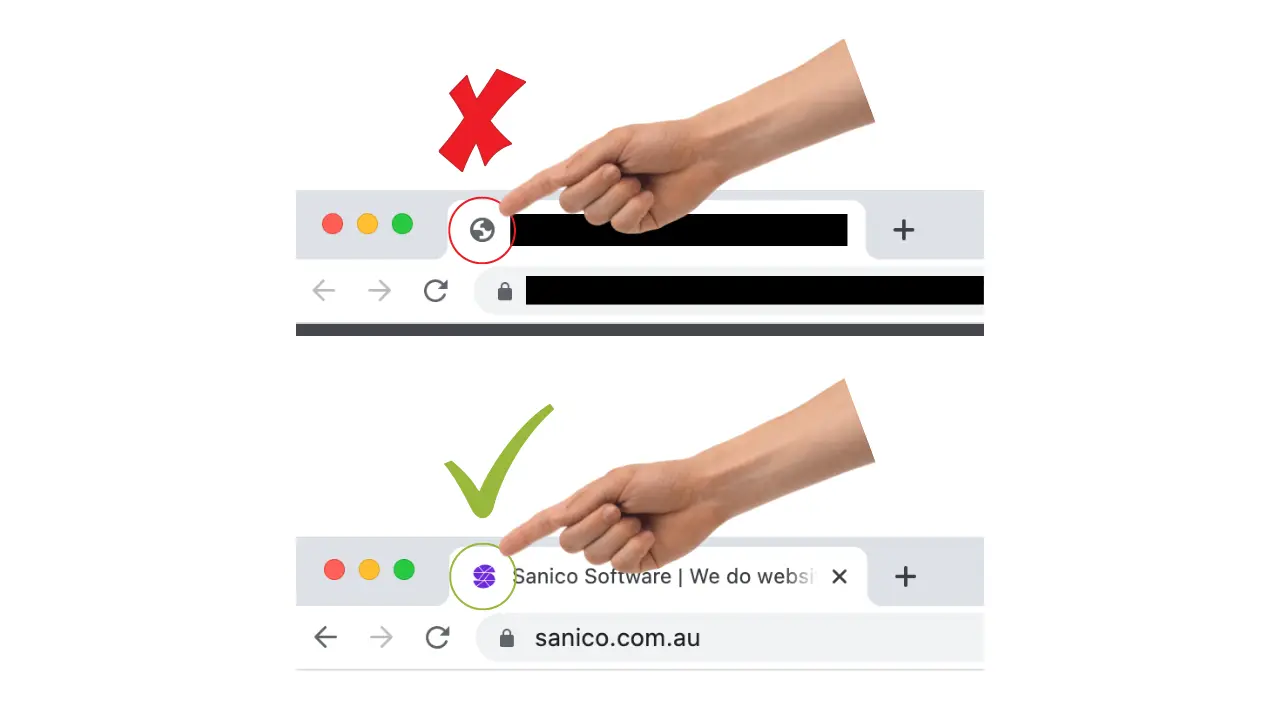
Another place where favicons are used is in the tab of a web browser window. No stress if that sounds like gibberish to you. I will clarify. In Google Chrome on a browser tab the favicon appears adjacent to the title of a website, as seen in Figure 2 below. The favicons allow a user to pick between browser tabs with …

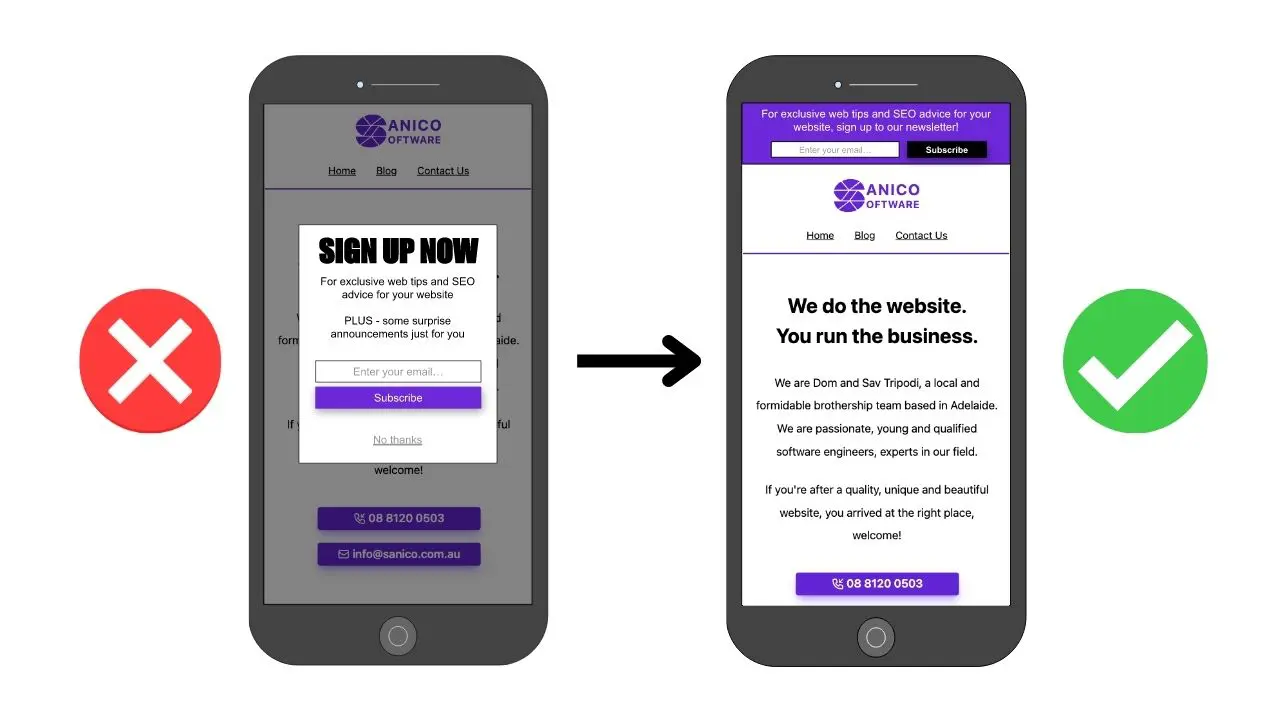
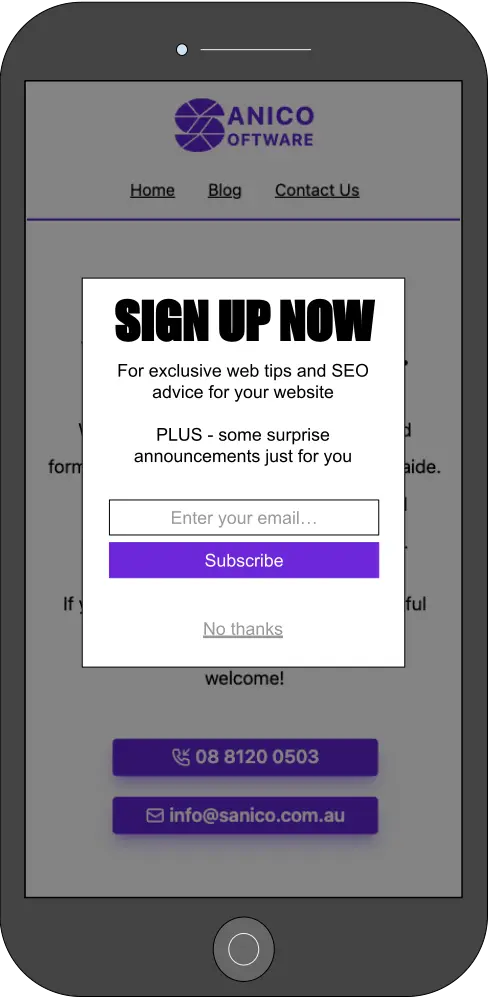 Figure 1: An intrusive popup (dialogue) obstructing website content.
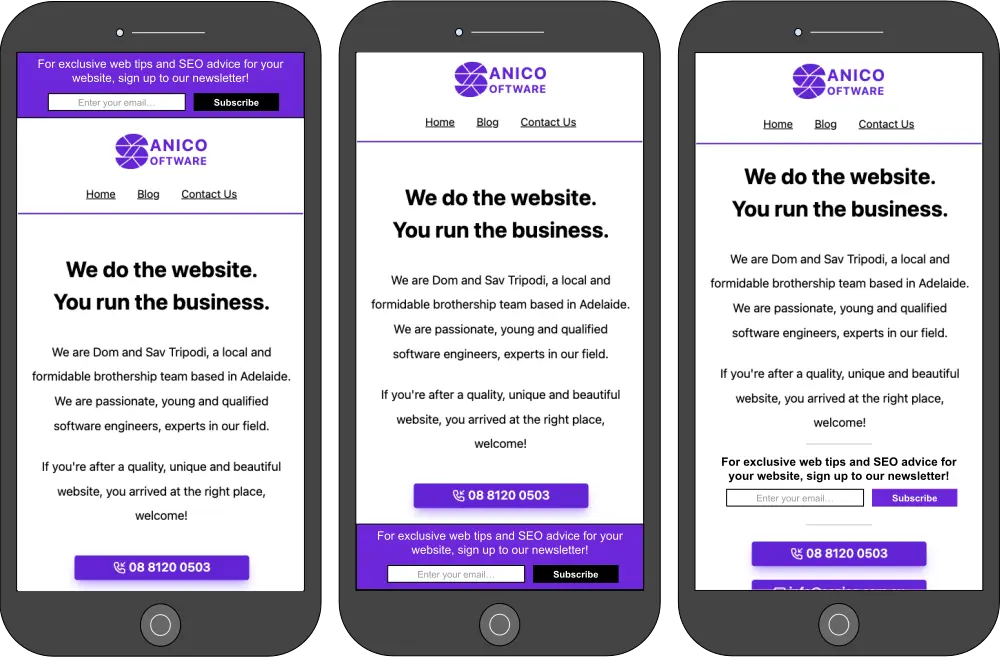 Figure 2: Newsletter signup implemented with banners instead of an interstitial or dialogue.
 A screenshot of the search query ‘how to market my business’ in Google.